|
Lost Video Island
A Multifandom Vidding site
|
| Author | Message |
|---|
tjmack1986
Expert Vidder
Joined: 30 Mar 2008
Posts: 3436
|
 Posted: Sat Jun 21, 2008 3:42 am Posted: Sat Jun 21, 2008 3:42 am |
|
Okay, and as promised, the wall tutorial. Once again, if you have any problems, or have any question please feel free to ask.
Okay to start things you, you wanna open up the images you want to use. For this one I choose four Chad pictures from the same photoshoot. Now before you move these pictures onto your main canvas, your gonna wanna do any coloring and resizing first. I always resize the pictures for this particlar type of wall to 500x500 pixels. I like keeping the images even, makes it easier to blend them together in the end.
Now once you've got your pictures resized and colored the way you want, your gonna start moving your images one by one over onto your canvas. Now I always like to have it pictured in my head how the images are going to set up. But once you get them all onto your canvas, just rearrange them how you want.
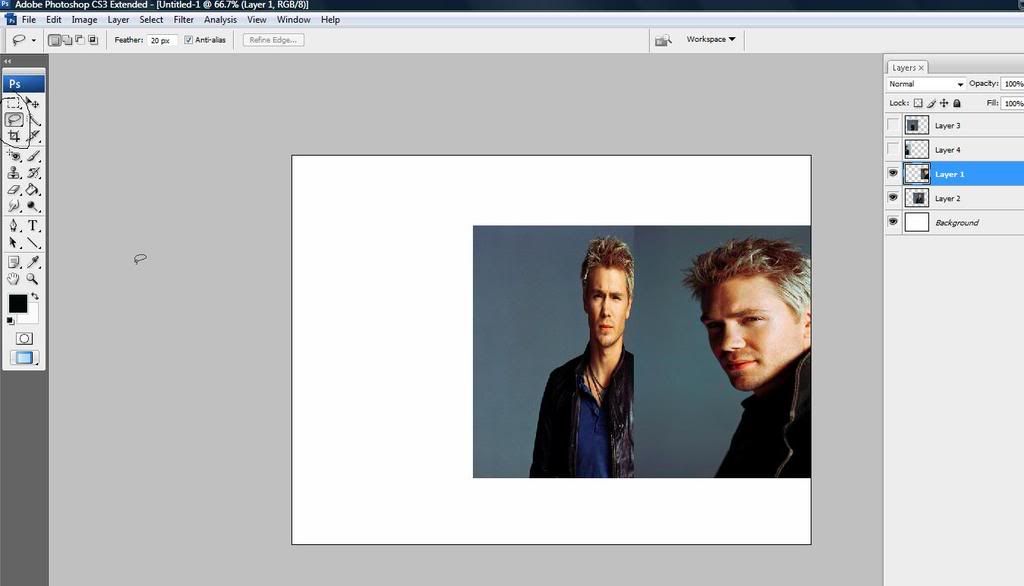
Now once you get them set up how you want, you wanna pick a side to start on, and hide all the other images except for the first two on whichever side you decide to start on. For this wall, I've decided to start on the right hand side. So I only have two visible images on this side of the wall.
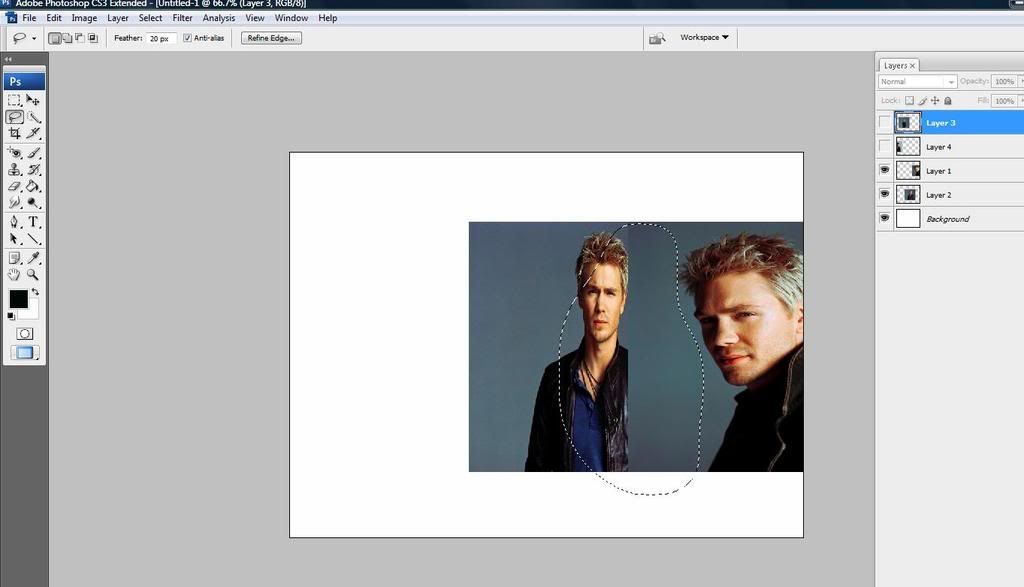
The first step is to blend all the images together, starting with the first two. So you want to select the lasso tool, and make sure that the image that is overlapping the other image is selected, and then you make a circle around the area of the image that you want to cut out.
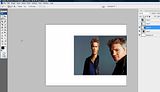
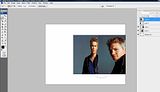
You'll do the same thing for the next few images, until you have all of your images fitting onto your canvas. Once your done with the blending process, your gonna wanna open up whichever texture you want to use for this next part.
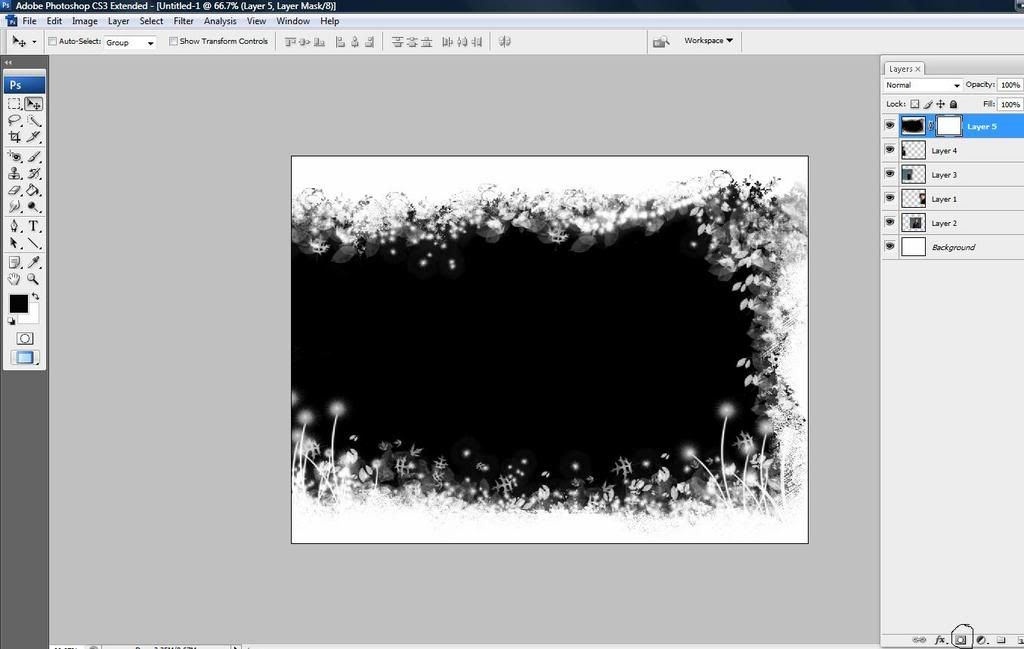
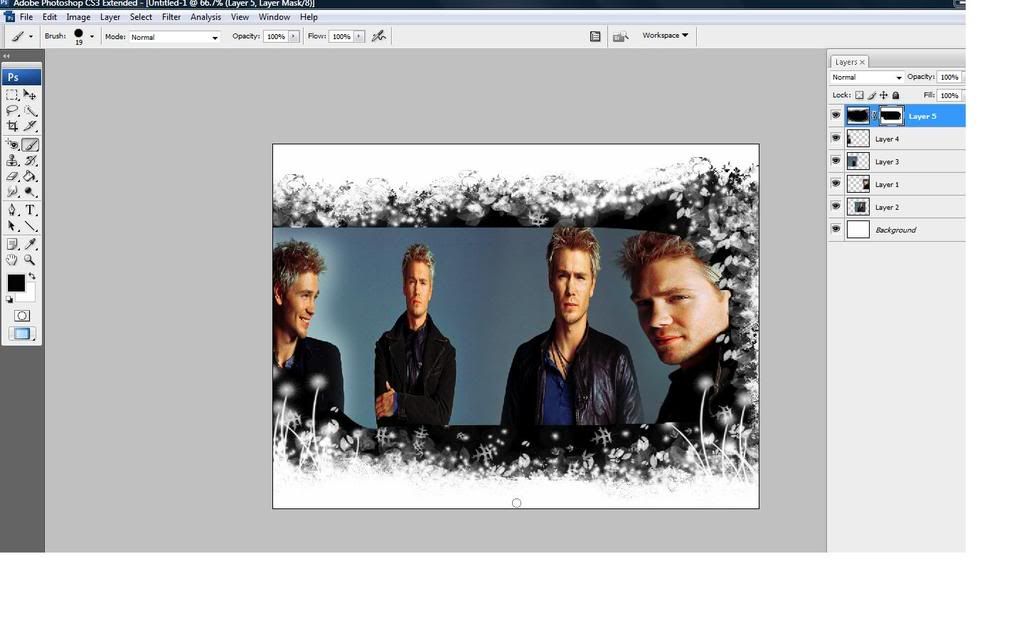
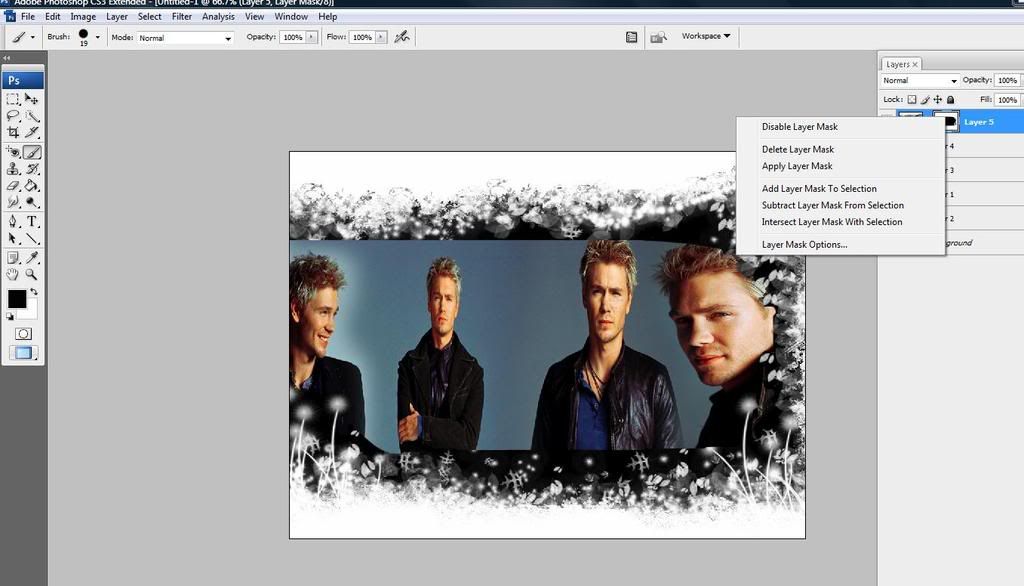
I've choosen this black and white one to use. Once you have your texture on your canvas. Your gonna wanna add a layer mask. You can do so by going to your layer platte...and clicking on the grey square with the white circle in the middle. Now once you've got your layer mask on your texture...you just take the paint brush, and make sure the color at the bottom of your tools platte...is on black...and simply start to brush away the unwanted parts of the texture..I.E. the parts that is covering up your images.
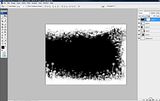
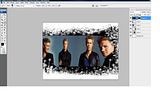
Now after you've brushed away the unwanted portion of your texture. You're gonna wanna right click on the white box next to your texture in the layer platte, and click add layer mask.
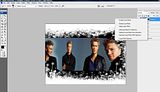
After you've applyed the mask to the texture, next you want to flatten your image. You can do so by clicking on Layers>Flatten Image.
After you've flattened your image, your gonna wanna duplicate the image. You can do so by clicking on Layers>duplicate.
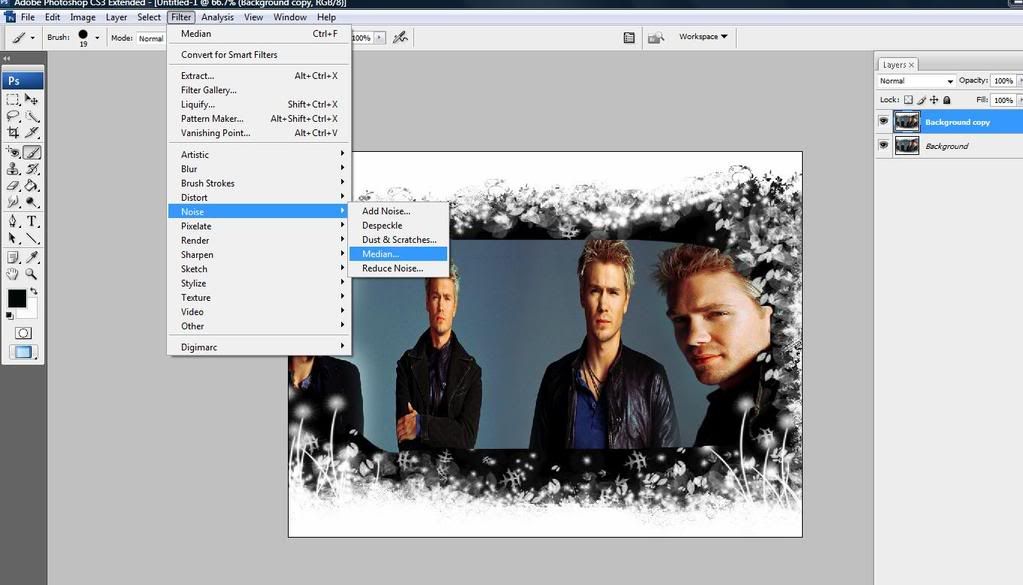
After you've done that, your gonna wanna add a filter onto your image. Do so by clicking on Filter>Noise>Median...Then set it to 5px and click OK.
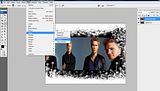
Now your image is going to look pretty blurry. So your gonna wanna go to the opacity and set it to 50%. I usually don't like that the eyes aren't very noticable after this, so I add a layer mask to the duplicated image, and take a small brush, and just brush over the eyes.
Now flatten the image again..Now after that, you can add in some more textures to color it up a little bit, or you can leave it as is.
Then you would simply add some text, or not, and save your finished product.
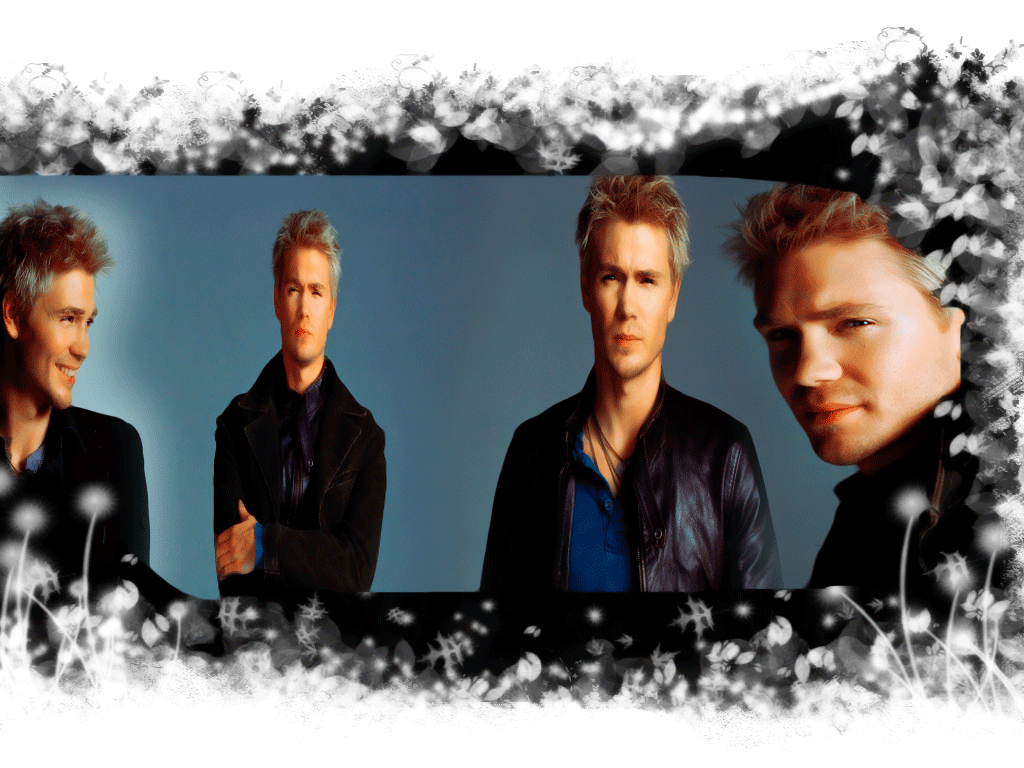
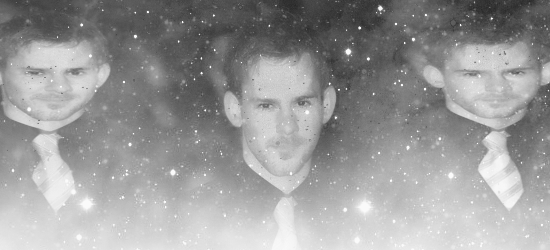
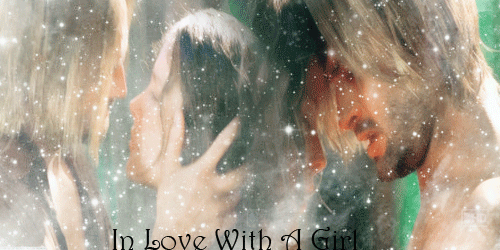
Without any textures this is how my wall turned out.
 |
|
| Back to top | |
 |
tjmack1986
Expert Vidder
Joined: 30 Mar 2008
Posts: 3436
|
| Posted: Sat Jun 28, 2008 6:59 pm |
|
Okay, I've been working hard on this for the past week or so...which can explain the lack of updates  It's not fully finished, in fact it's still in the very early stages, and there's still a lot of work that needs to be done to it. I'm currently trying to get the photo gallery up and running...that could take a while since I've never had to use anything like this before....so it's pretty much trial and error. Anyways...this is my very first Personal/Media site. It will contain all of my fanart, fanfiction, fanvideos, and tutorials. It will also contain screencaps from various tv shows, movies..etc Along with Stills and promotional shoots from certain shows and movies. It will take a while to get it completely funcational, but I thought I would go ahead and share what I have with you guys and get an opinion on what you think. It's not fully finished, in fact it's still in the very early stages, and there's still a lot of work that needs to be done to it. I'm currently trying to get the photo gallery up and running...that could take a while since I've never had to use anything like this before....so it's pretty much trial and error. Anyways...this is my very first Personal/Media site. It will contain all of my fanart, fanfiction, fanvideos, and tutorials. It will also contain screencaps from various tv shows, movies..etc Along with Stills and promotional shoots from certain shows and movies. It will take a while to get it completely funcational, but I thought I would go ahead and share what I have with you guys and get an opinion on what you think.
Barely Breathing |
|
| Back to top | |
|
khaleesi
Expert Vidder

Joined: 24 Aug 2005
Posts: 3090
|
| Posted: Sat Jun 28, 2008 10:27 pm |
|
OMG awesome!! I'm adding your site to my bookmarks Tammy! ^_^
_________________
~Kait~
 |
|
| Back to top | |
|
tjmack1986
Expert Vidder
Joined: 30 Mar 2008
Posts: 3436
|
| Posted: Sat Jun 28, 2008 11:33 pm |
|
Sweet! Thanks Kait  |
|
| Back to top | |
|
tjmack1986
Expert Vidder
Joined: 30 Mar 2008
Posts: 3436
|
| Posted: Sun Jun 29, 2008 6:11 am |
|
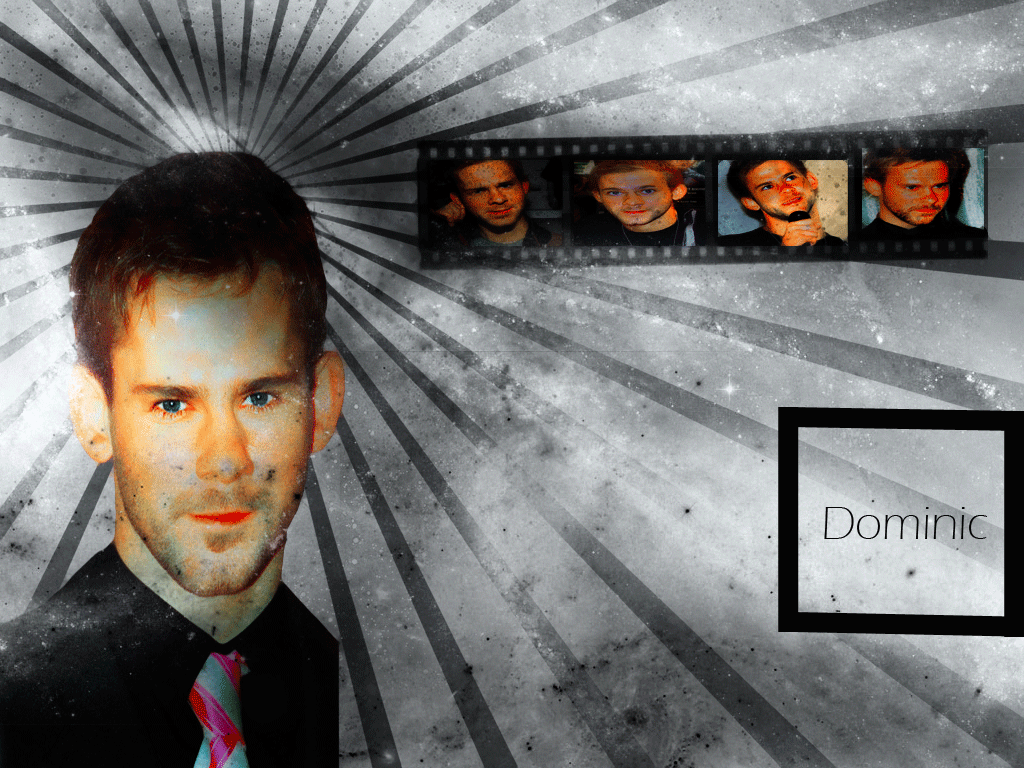
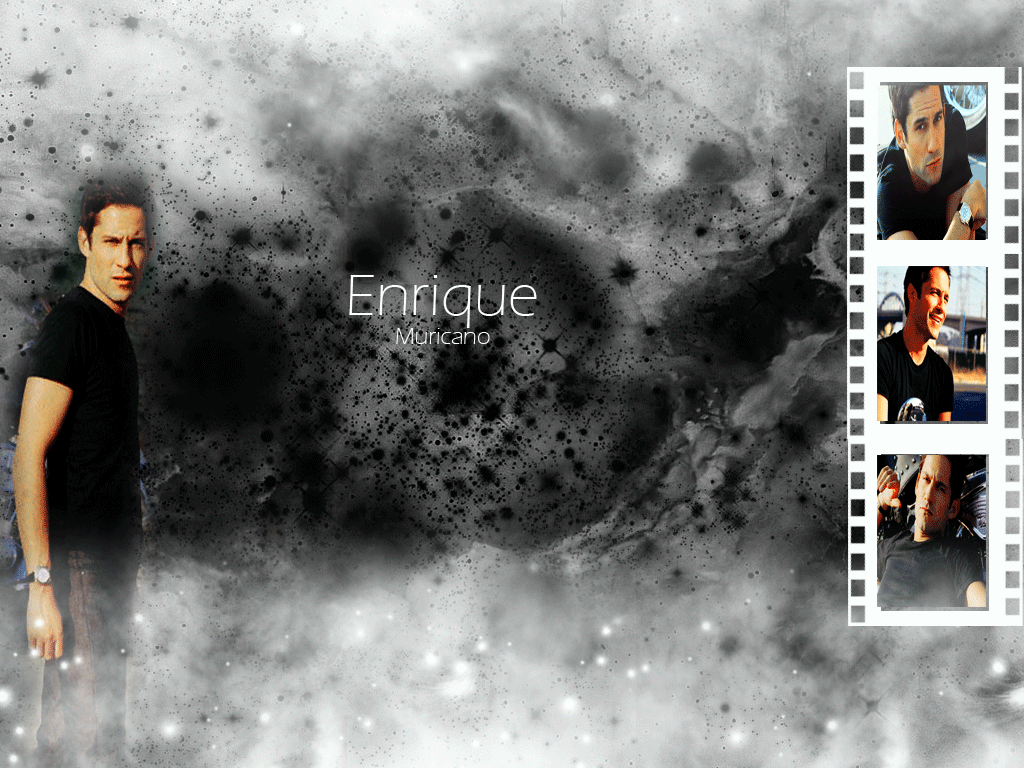
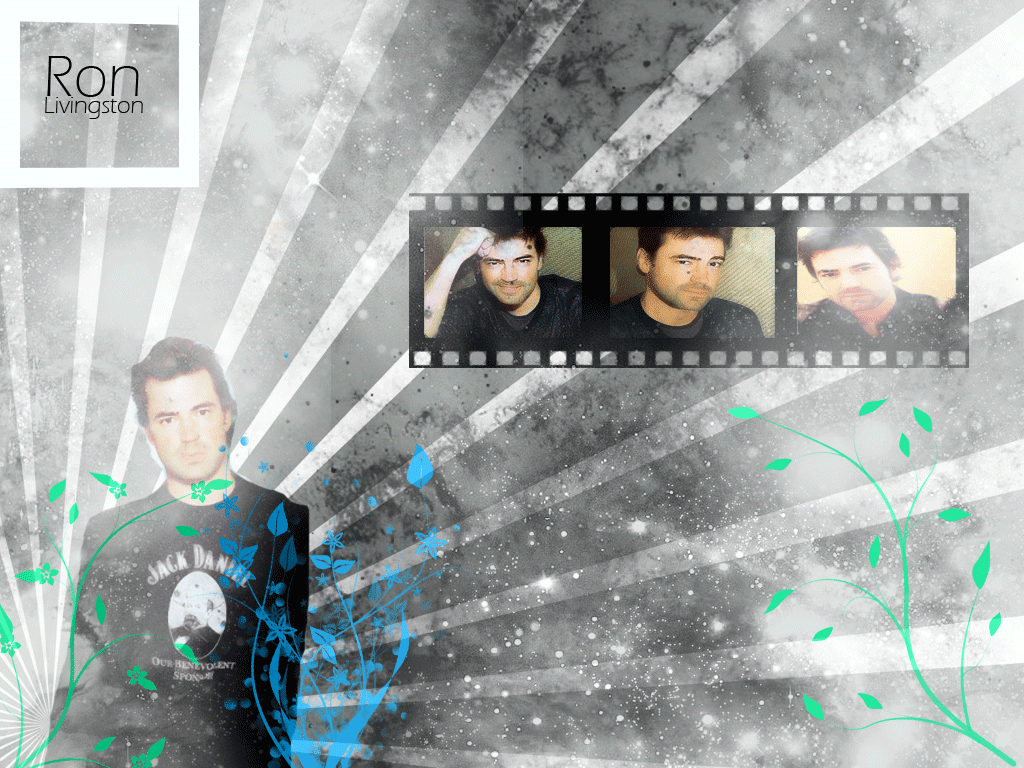
Okay....semi small update...a few banners and walls. But first off i gotta thank Kait, because her introduction to the world of brushes has made me stop everything i was doing and make a nice small handful of walls.
Also note, that a much...much...much larger update is coming soon. How soon i'm not sure...I still have some Icons and walls and stuff that i need to make for that batch. All I can say is that it will be large...and it's kind of the first in a small amount of updates that will feature the "Hot Guys of TV" or...really the ones that I like from the shows i watch...but if there's a request for someone not shown in the updates, then feel free to ask and I'll make some stuff for them...now onto the update 
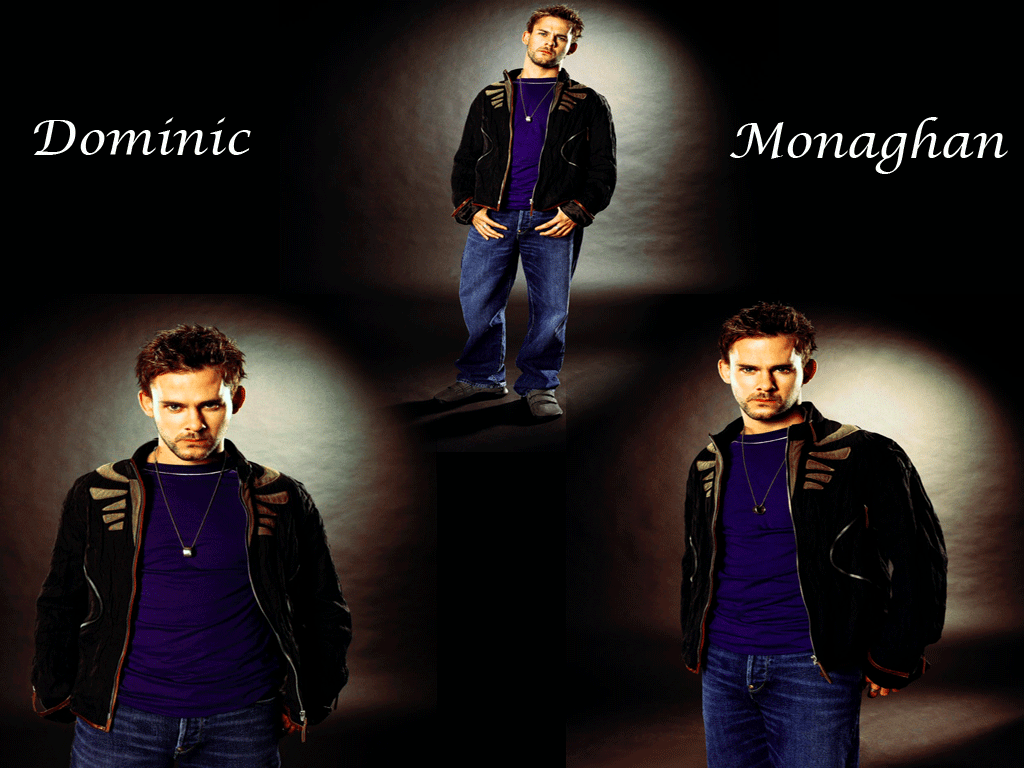
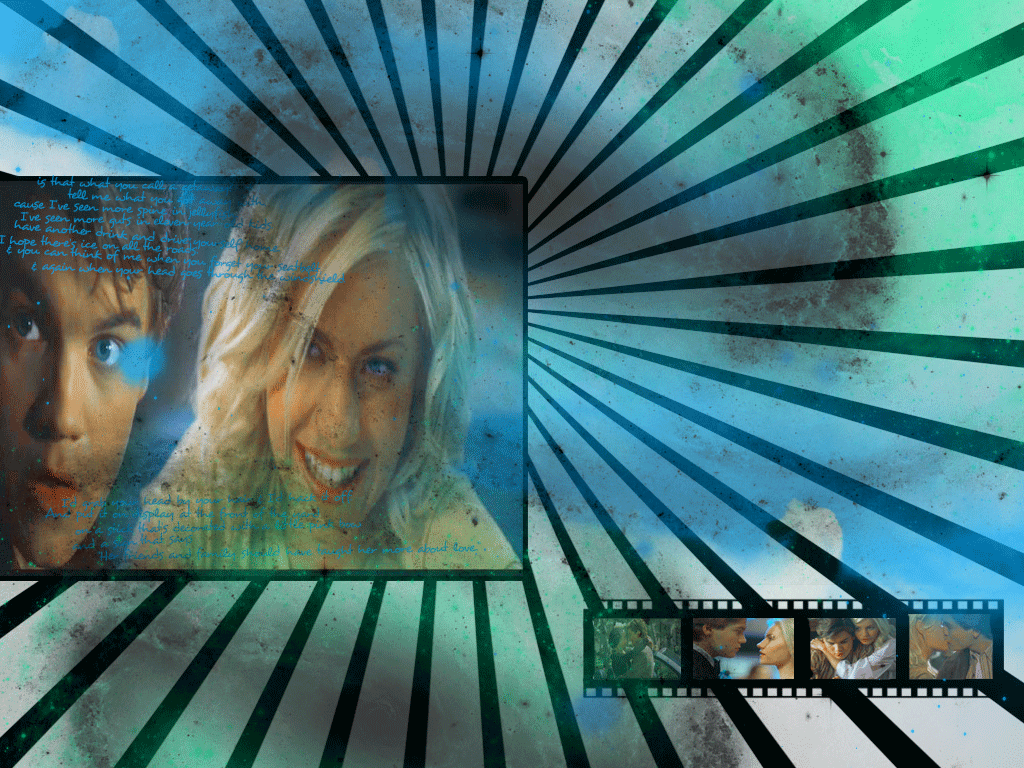
Random Wallpapers
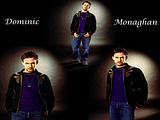
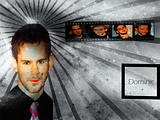
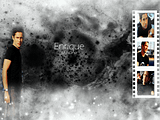
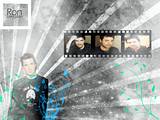
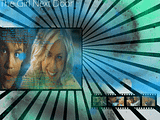
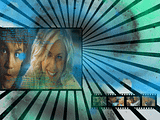
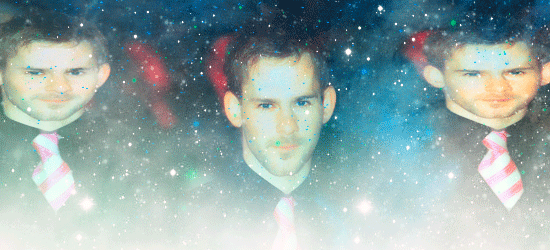
Dominic Banners

 |
|
| Back to top | |
|
Jemmz
Council Member
Joined: 21 Oct 2006
Posts: 21154
|
| Posted: Sun Jun 29, 2008 8:47 am |
|
| tjmack1986 wrote: | Okay, I've been working hard on this for the past week or so...which can explain the lack of updates It's not fully finished, in fact it's still in the very early stages, and there's still a lot of work that needs to be done to it. I'm currently trying to get the photo gallery up and running...that could take a while since I've never had to use anything like this before....so it's pretty much trial and error. Anyways...this is my very first Personal/Media site. It will contain all of my fanart, fanfiction, fanvideos, and tutorials. It will also contain screencaps from various tv shows, movies..etc Along with Stills and promotional shoots from certain shows and movies. It will take a while to get it completely funcational, but I thought I would go ahead and share what I have with you guys and get an opinion on what you think.
Barely Breathing |
That looks awesome! I love the header you have
Love your UD also  |
|
| Back to top | |
|
khaleesi
Expert Vidder
Joined: 24 Aug 2005
Posts: 3090
|
| Posted: Sun Jun 29, 2008 2:25 pm |
|
Cool wallpapers!! Wanna make me a Skate one? 
_________________
~Kait~
|
|
| Back to top | |
|
tjmack1986
Expert Vidder
Joined: 30 Mar 2008
Posts: 3436
|
| Posted: Sun Jun 29, 2008 4:08 pm |
|
Thanks Jemma
Sure Kait, anything specfic you want on it? |
|
| Back to top | |
|
khaleesi
Expert Vidder
Joined: 24 Aug 2005
Posts: 3090
|
| Posted: Mon Jun 30, 2008 8:43 pm |
|
Nah, just general Skate cuteness. Do whatever you want; be creative with it ^_^
_________________
~Kait~
|
|
| Back to top | |
|
tjmack1986
Expert Vidder
Joined: 30 Mar 2008
Posts: 3436
|
| Posted: Tue Jul 1, 2008 1:43 am |
|
| Can do, I'm kind of busy tonight, and probably again tomorrow...I'm attempting to fix up my bathroom right now...so yeah, but anyways I should be able to get it done by Wed. Sorry about the wait |
|
| Back to top | |
|
tjmack1986
Expert Vidder
Joined: 30 Mar 2008
Posts: 3436
|
| Posted: Wed Jul 2, 2008 6:07 am |
|
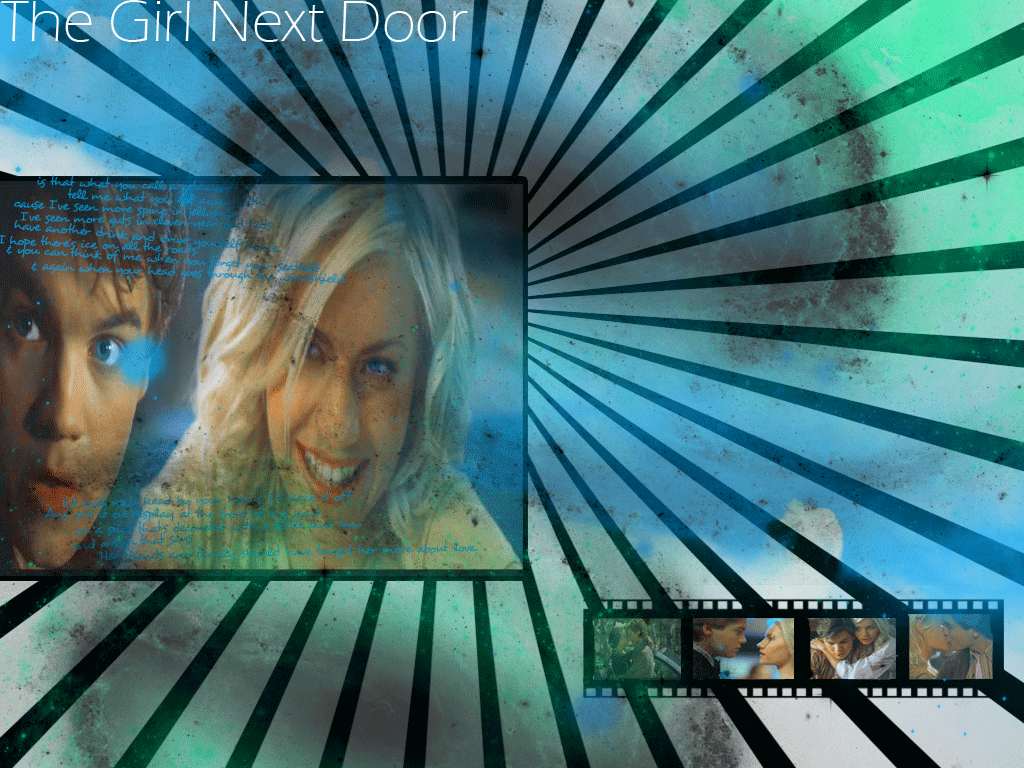
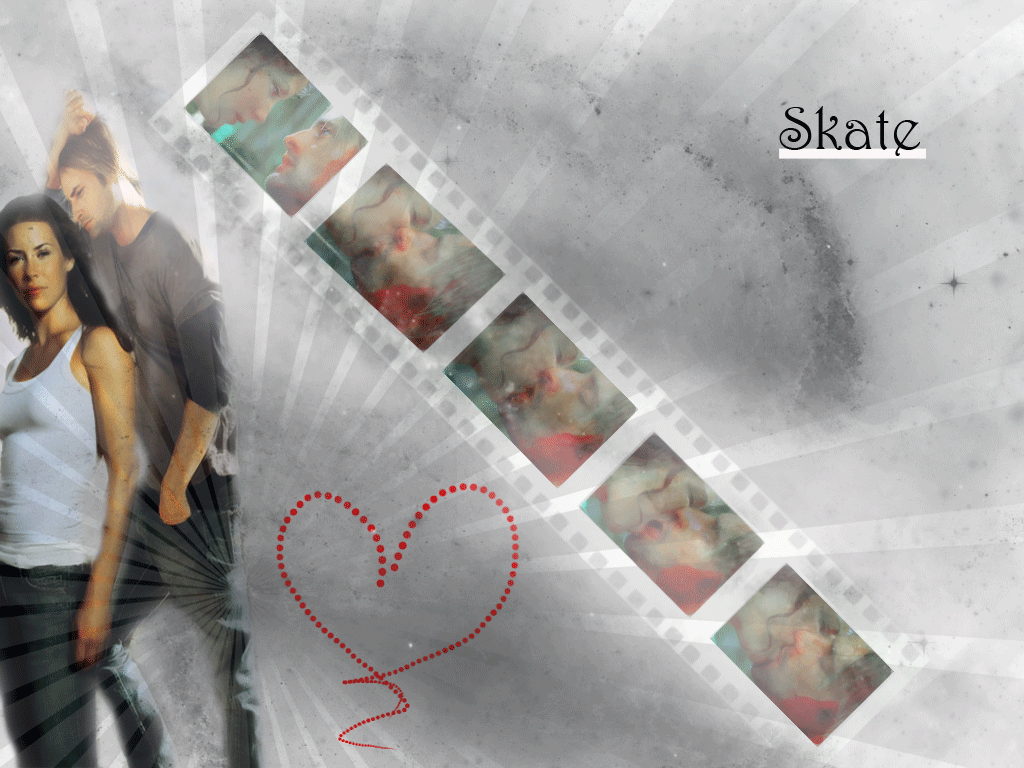
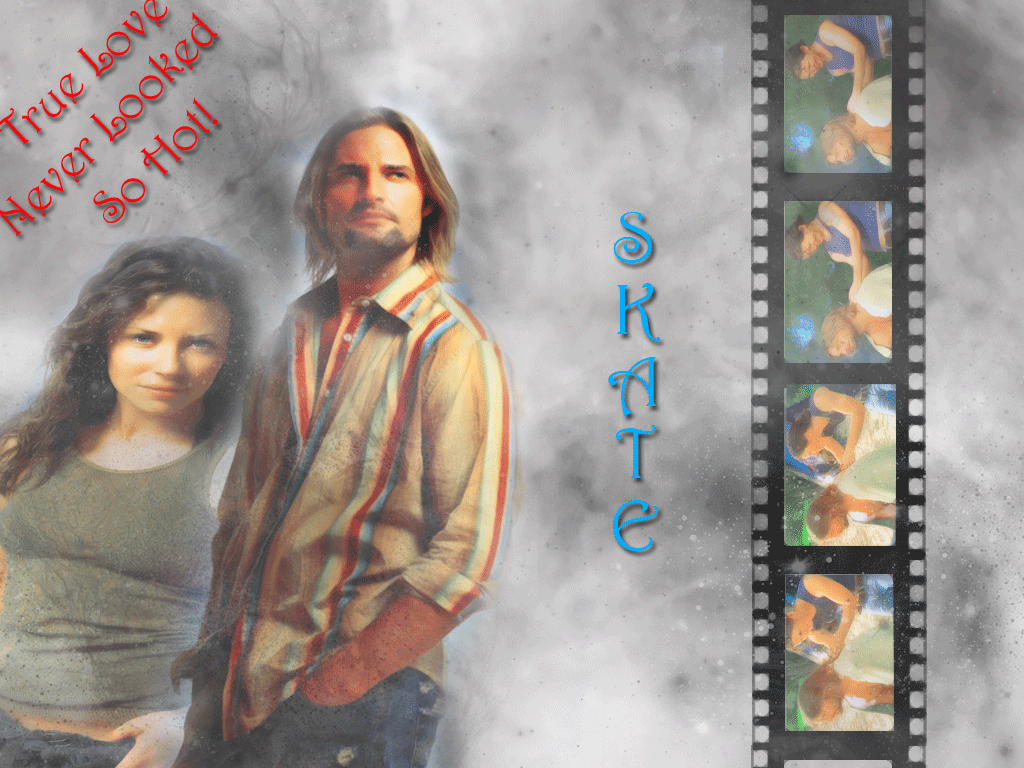
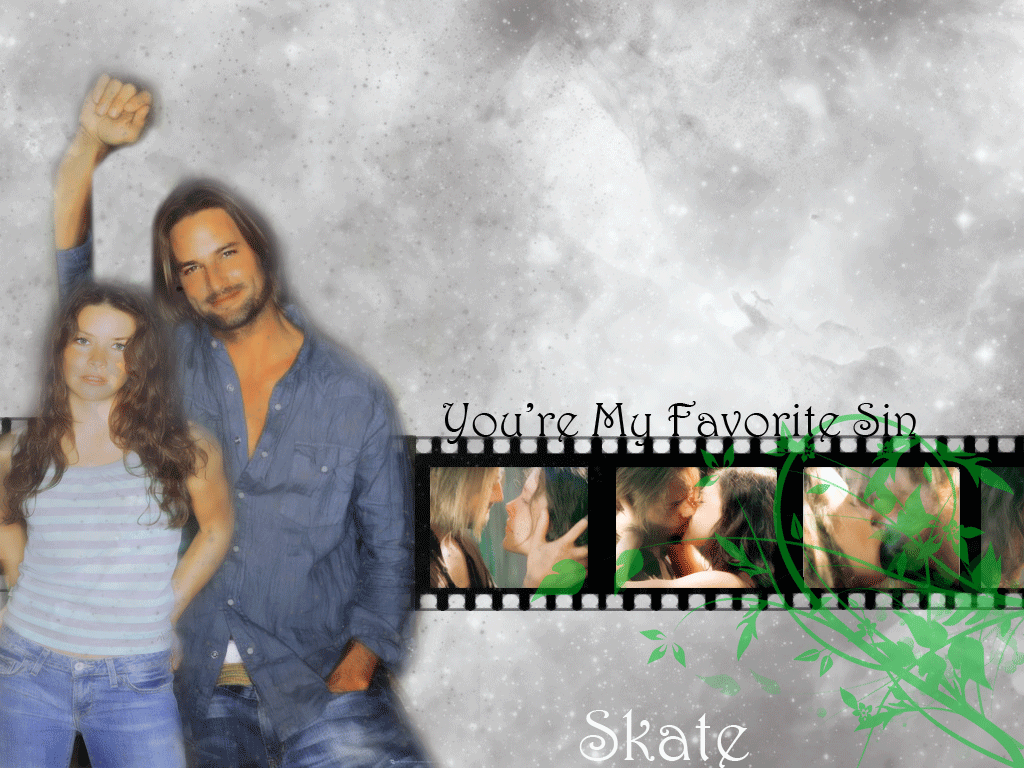
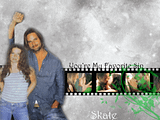
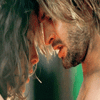
Here are you walls Kait, I apologize for the wait, I've been so busy that I've barely had time to even look at a computer let alone get on one . I also made Banner and Icon sets to go with them. I made three different ones...kind of like one for each season except four, I would have made one for four too, but I'm too tired to right now. So I'll try and make one for my large update, that's uh..been put on the back burner for a bit
Skate Walls
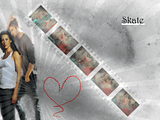
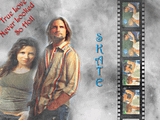
Skate Banners
Kate/Sawyer/Skate icons
1. 2. 2. 3. 3. 4. 4.
5. 6. 6. 7. 7. 8. 8.
9. 10. 10. 11. 11.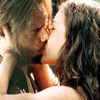 12. 12.
13. 14. 14.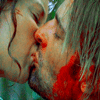 15. 15. 16. 16.
17. 18. 18. 19. 19.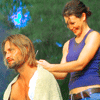 20. 20.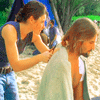
21.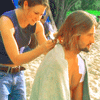 22. 22. 23.24. 23.24. |
|
| Back to top | |
|
khaleesi
Expert Vidder
Joined: 24 Aug 2005
Posts: 3090
|
| Posted: Wed Jul 2, 2008 3:32 pm |
|
YAYAYAY!! I lurrve them!! The icons and banners are supergorgeous too <333
_________________
~Kait~
|
|
| Back to top | |
|
tjmack1986
Expert Vidder
Joined: 30 Mar 2008
Posts: 3436
|
| Posted: Wed Jul 2, 2008 4:03 pm |
|
| I'm glad you love them Kait I was seriously like half-asleep when I made them last night |
|
| Back to top | |
|
Kdee
Advanced Vidder
Joined: 12 Jun 2008
Posts: 125
|
| Posted: Wed Jul 2, 2008 6:25 pm |
|
| Love the colors on the skate kiss icons. Beautiful art girl! |
|
| Back to top | |
|
tjmack1986
Expert Vidder
Joined: 30 Mar 2008
Posts: 3436
|
| Posted: Wed Jul 2, 2008 8:03 pm |
|
| Thankies |
|
| Back to top | |
|
Powered by phpBB © 2001, 2005 phpBB Group · archived 2026 |
 LVI Home
 Search
 Memberlist